OMNIWEB | PRICING
Chat Assistant Pricing
Pricing for website and messaging AI chat assistants — by conversation volume or flat monthly.
Website chat deployment via embedLead capture and contact informationFAQ and product question handlingAppointment booking integration
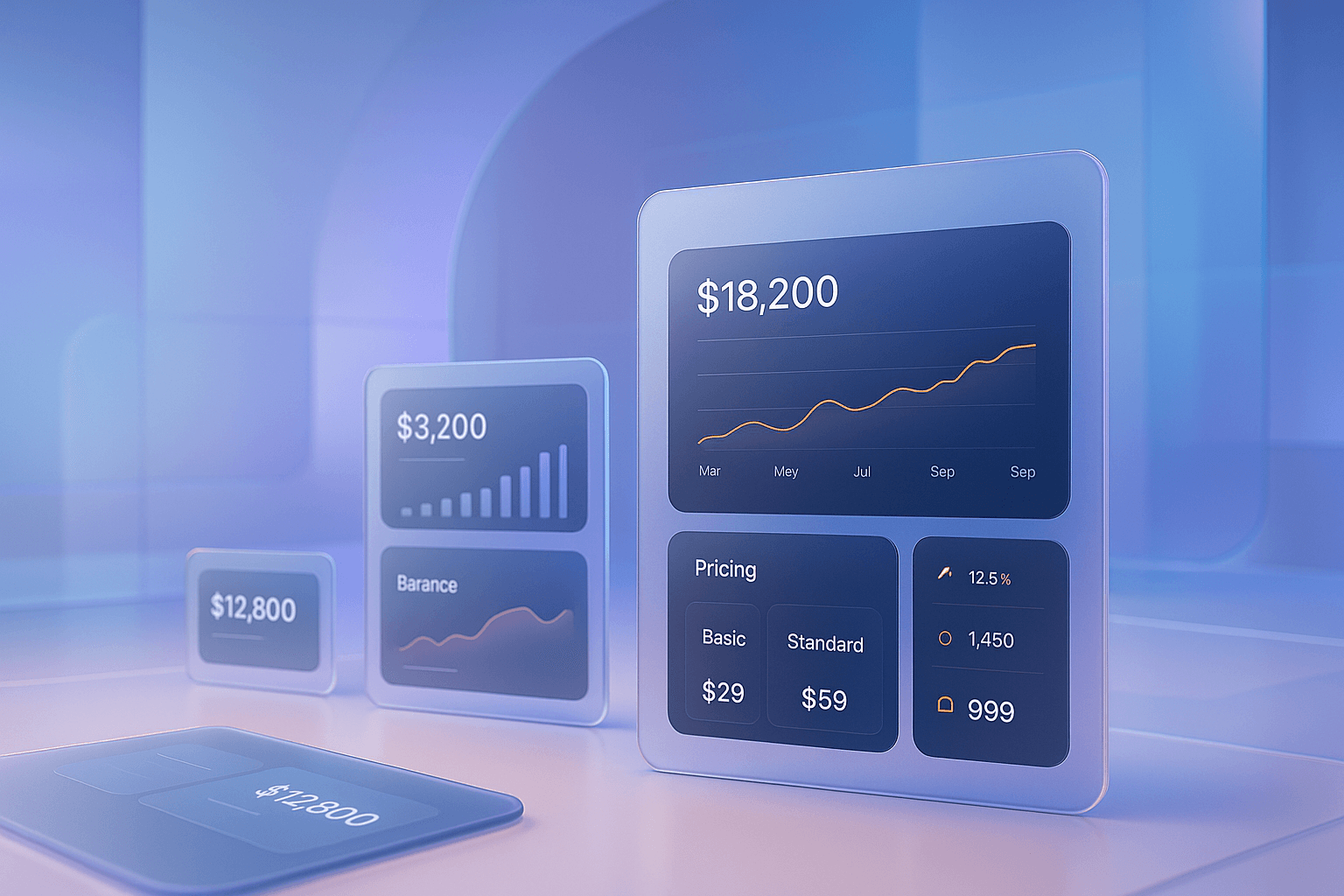
Commerce conversion layer
Modern AI workflow
Chat Assistant Pricing
30
Day free trial
0
Setup fees
4
Plan types
30
Day free trial
0
Setup fees
4
Plan types
100%
Feature access
Industry Proof
One widget, many buying journeys
Patient intake
Legal screening
Appointment booking
Professional services
Roofing leads
Emergency calls
Patient intake
Legal screening
Appointment booking
Professional services
Roofing leads
Emergency calls
Pain → Outcome
The path from friction to follow-up
Each page now frames the business problem, the Omniweb system, and the measurable outcome in a clearer conversion sequence.
Pain Points
1
Chat assistant pricing models are often misaligned with how value is actually delivered — charging per seat instead of per conversation, or per contact instead of per active interaction. This makes it hard for businesses to evaluate ROI.
2
E-commerce stores adding AI chat to handle product questions and recover abandoned sessions
3
Service businesses using chat to qualify web visitors and book consultations
4
B2B companies adding chat to their lead capture flow
Omniweb Solution
The Omniweb Solution
Omniweb's chat assistant pricing is conversation-based, aligning the cost directly with the volume of value the AI delivers. Pay for conversations handled, not for licenses or contacts.
01
Conversation-based pricing models create clearer ROI calculations and better alignment between the vendor and the customer. When pricing reflects actual value delivery, both sides benefit.
02
You pay for what the AI actually does — customer conversations handled, leads captured, and appointments booked. As your volume grows, your costs grow proportionally. There are no surprises.
03
Predictable, volume-aligned costs. Clear ROI calculation based on conversations handled vs. leads converted. No overcharging during low-traffic periods.
Conversion Checkpoint
Ready to see this flow on your site?
Preview the agent, map your first workflow, and install the widget without changing your backend.
What's Included
Feature cards with a visual break
Plain lists become skimmable conversion cards, with one larger visual moment to break the grid and add context.
Website chat deployment via embed code
Lead capture and contact information collection
FAQ and product question handling from your knowledge base
Appointment booking integration
Automated follow-up after chat conversations
Conversation history and lead data dashboard
Product UI
A clear operating view for every workflow
Each sub-page now includes a product-style UI mockup so visitors understand how Omniweb captures intent, routes work, and proves ROI.
Omniweb Console
Live
Qualified
Booked
Revenue Workflow
Chat Assistant Pricing
1
Website chat deployment via embed code
2
Lead capture and contact information collection
3
FAQ and product question handling from your knowledge base
4
Appointment booking integration
Hero + Split Content
How the workflow launches
Every page keeps a clear setup path: capture context, automate the next step, and prove the result.
1
Select your monthly conversation volume tier. If you are unsure, start with the tier that matches your current website traffic and upgrade as needed.
2
Install the embed code on your website, configure your knowledge base, and set your lead capture fields. The assistant is ready for visitors within minutes.
3
Monitor conversation volume from your dashboard and upgrade your tier with one click when you approach the limit.
Autoplay Demo
Commerce conversion layer
Live agent install preview
Visual Break
Short demos make the use case obvious
The page includes autoplay, muted media so visitors understand the agent experience quickly while keeping performance controlled with metadata preloading.
E-commerce stores adding AI chat to handle product questions and recover abandoned sessions
Service businesses using chat to qualify web visitors and book consultations
B2B companies adding chat to their lead capture flow
Professional services firms fielding FAQ and intake questions from website traffic
Business Case
Metrics, trust, and next-step clarity
A dedicated proof block reinforces why the visitor should act now instead of comparing another vendor.
Operator Note
“Omniweb gives teams a faster first response, cleaner qualification, and fewer manual handoffs without changing their existing tools.”
Conversion team summary
30
Day free trial
0
Setup fees
4
Plan types
100%
Feature access
Questions
Frequently asked
Ready to talk numbers?
See exactly what Omniweb costs for your volume and use case.
Transparent pricing, no hidden fees, and a 30-day free trial. Start with any plan and upgrade when you are ready.